 Start here · 3 min
How ScrollShow works
ScrollShow is the fastest and best way to see what’s going viral in your niche, understand why, and turn it into slideshows for your app.
Find what’s going viral
ScrollShow already knows your app and your niche from when you signed up. So all you have to do is ask.
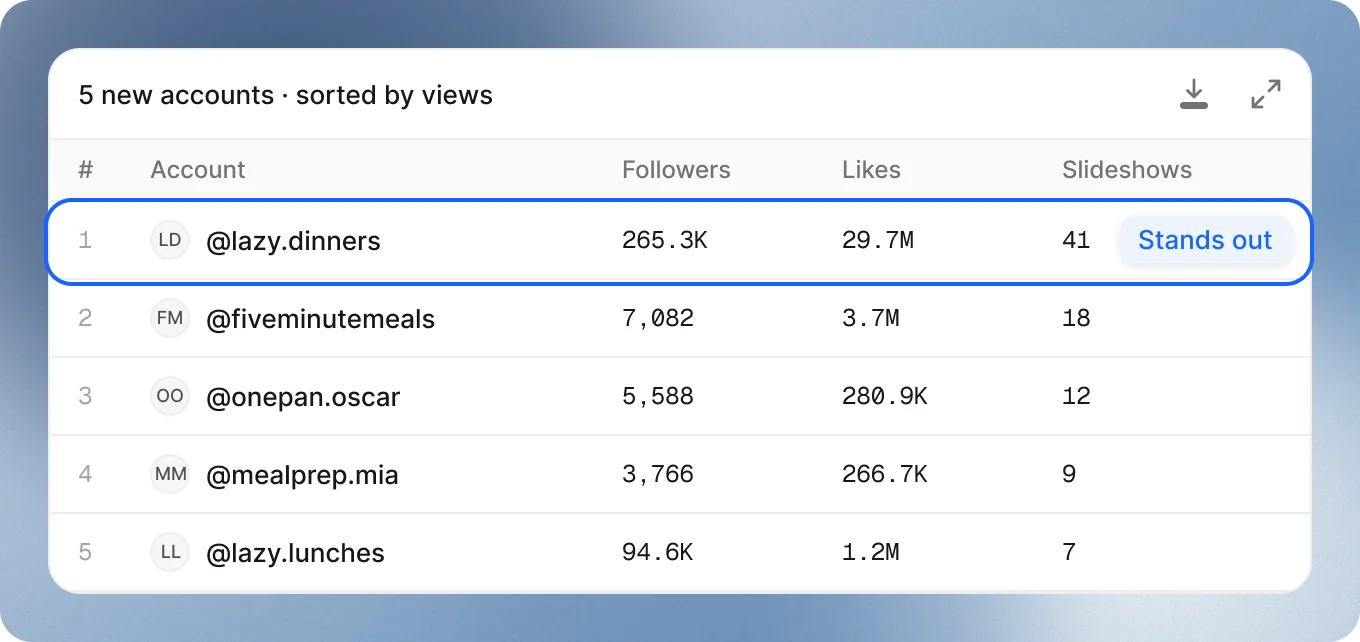
It brings back the accounts going viral in your niche right now, with 100K views or more in the last 30 days. Each one lands in your Library with all its numbers.
Good to keep in mind
- Taking a while? Few accounts may reach those numbers in your niche. Just lower the filters while it runs.
- Need more accounts? Tell it to look in a broader part of your niche. You’ll still find great ones.
- Want something specific? Just ask: “Get me 5 accounts with at least 10K views per post.”
See why it worked
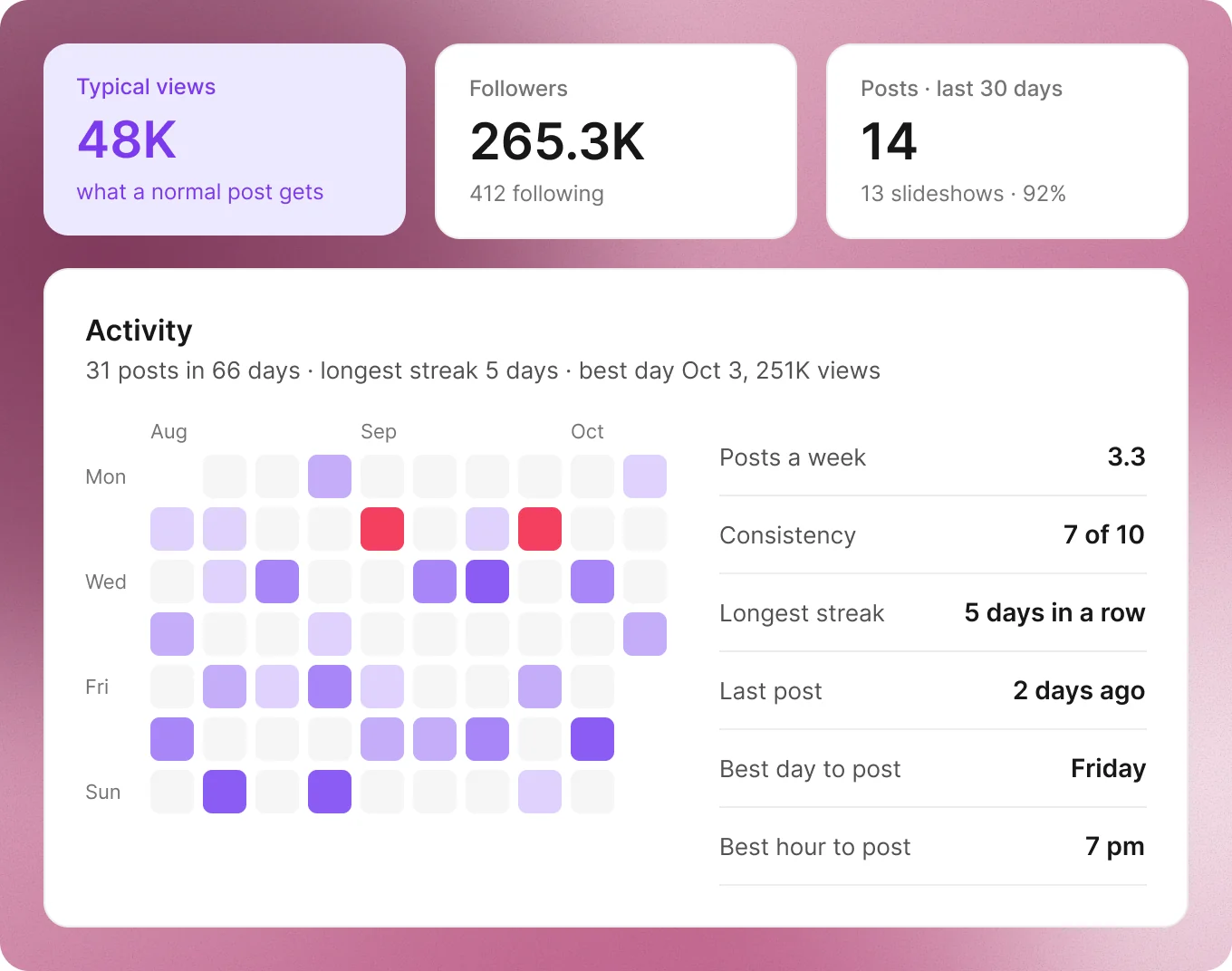
You get every account’s posts and numbers, so you see exactly what’s working.
- The account: followers, likes, typical views and save rate.
- Its rhythm: posts a week, and its best day and hour to post.
- Its best posts: the top 10, or the best from any period you ask for.
- Every post: its slides, caption, views, likes and comments.
Let AI read it for you
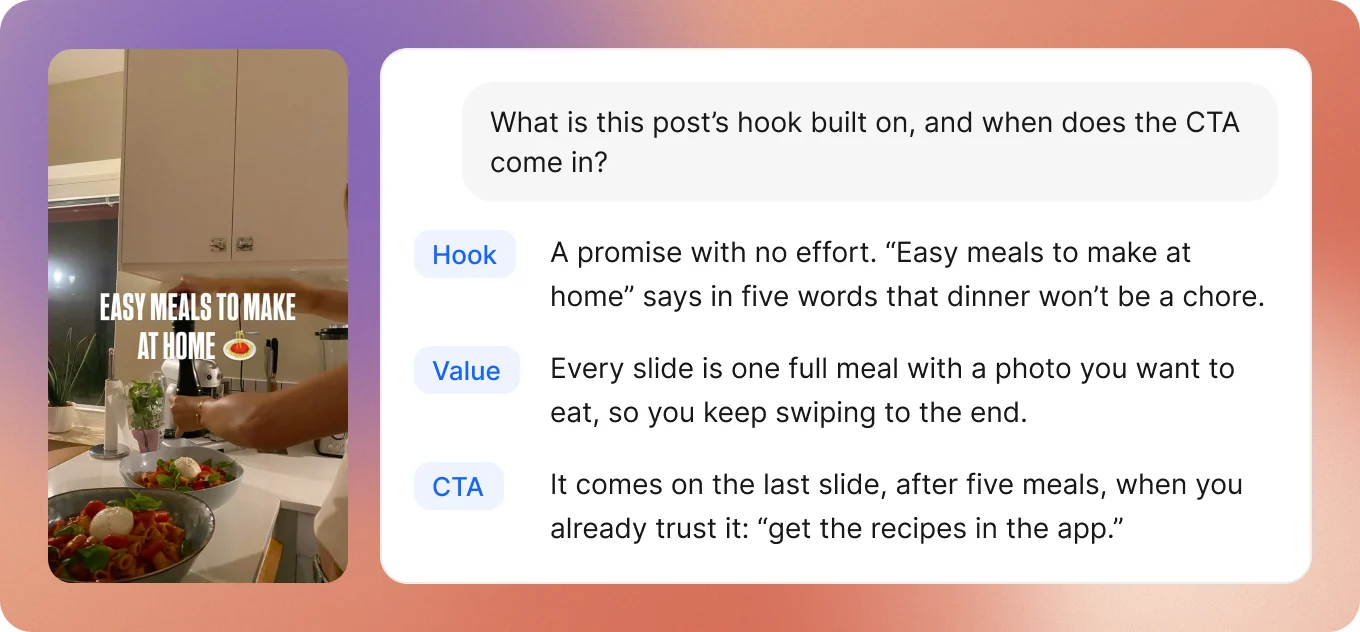
Don’t guess why a post went viral. AI reads its slides and the numbers of every post and account, then tells you what the hook is built on, how it delivers the value, and when the CTA comes in.
Everything in your Library
- Accounts: everyone you found, sorted by their numbers.
- Posts: the best of every account, with their slides ready to download.
- Collections: your own groups, like hooks that work or competitors.
Numbers on every TikTok post
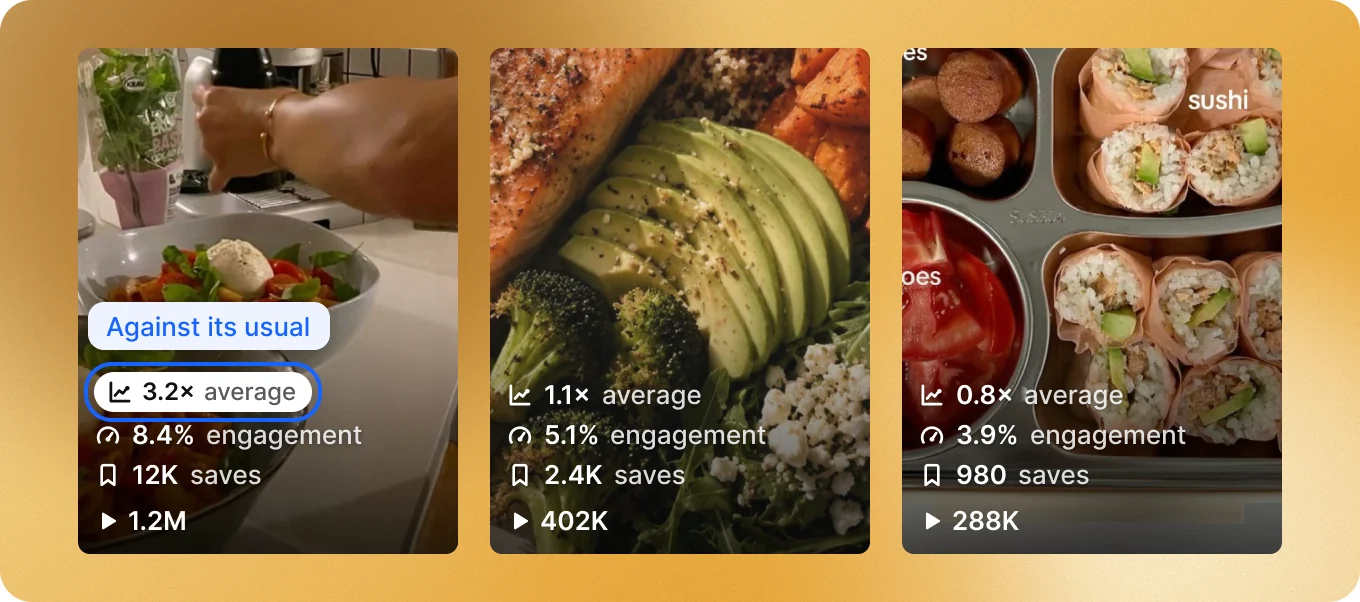
Browse TikTok in the Mac app and every post shows its numbers on top, so you can read any account in seconds. See views against the account’s usual, engagement and saves, plus likes, comments, shares and more.
Make slideshows with your agent
Found a viral format? Congratulations. It shouldn’t have taken you more than 20 minutes, and the hard part is done.
Your agent sees your whole Library. Tell it which format you want and it remakes it for your app. Send it screenshots of your app for the CTAs.
Or hand it the whole week. Pass this to Claude and let it run:
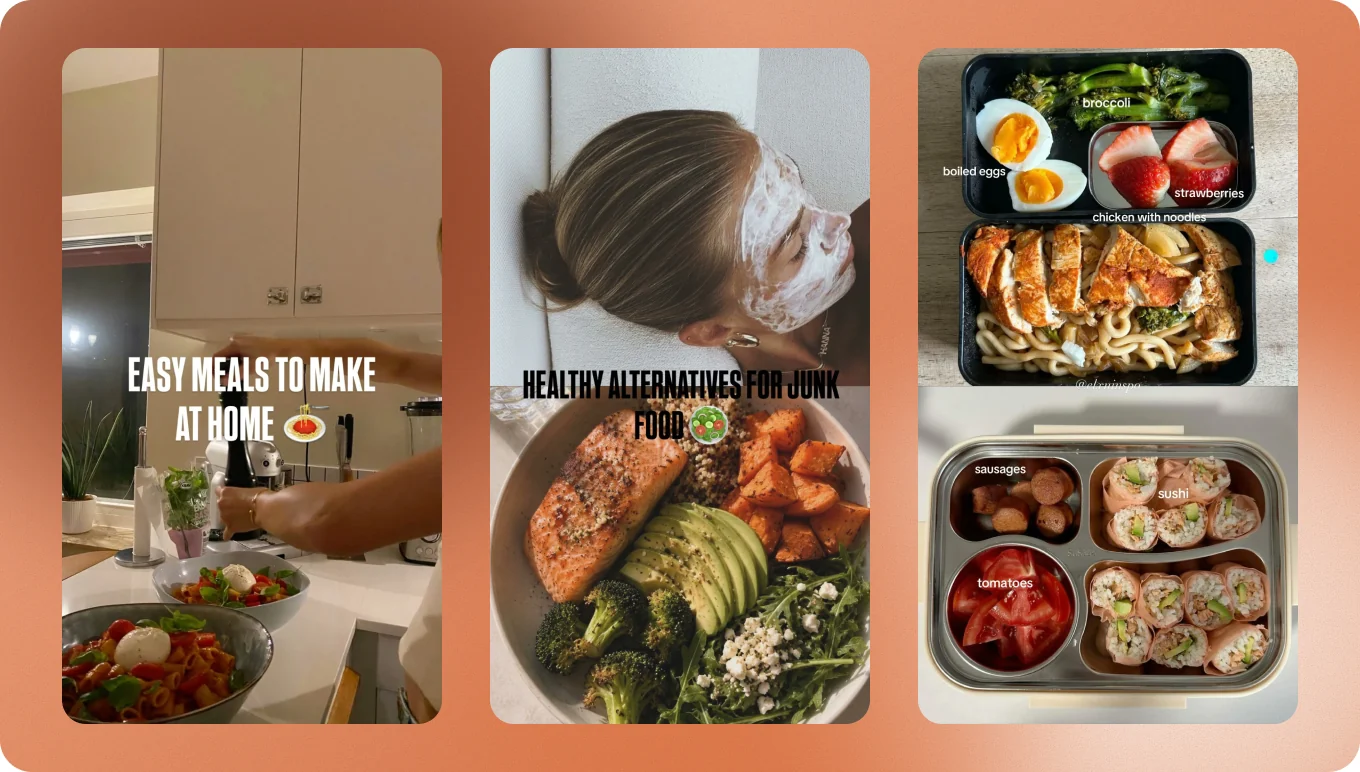
That’s it. Any format, remade in seconds, looking 100% made by hand. Ask from your computer or your phone, and you’re creating on autopilot.
Want to change something? Open it in the editor and press Export when it looks right.
Monthly plans and Lifetime MCP
Both give you all the research. The difference is what comes with it.
Monthly plans
Research, plus making slideshows from your agent or in the editor, and an assistant right inside ScrollShow.
Lifetime MCP
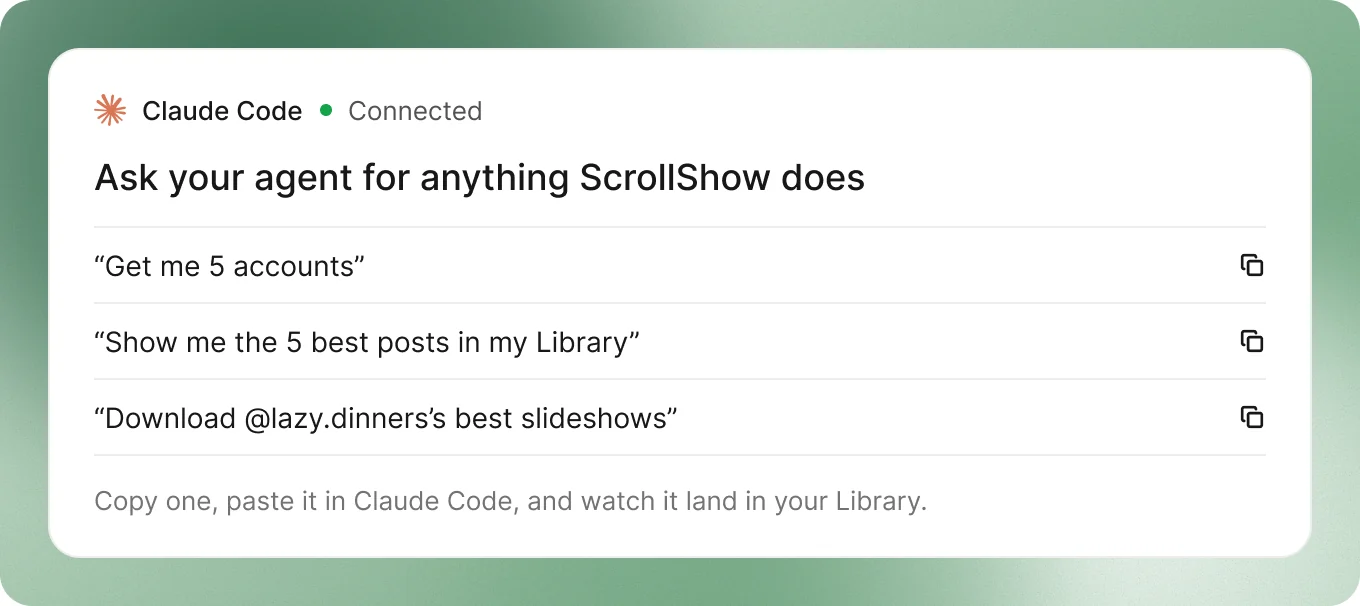
Just research, paid once, all from your agent through MCP. Connect it and ask: find accounts, analyze posts, and write copy based on what’s working, with every analysis tool ScrollShow has.
Ready? The next guides get you set up, one step at a time.