With your agent · 1 of 1 · 3 min read
Use ScrollShow from your agent
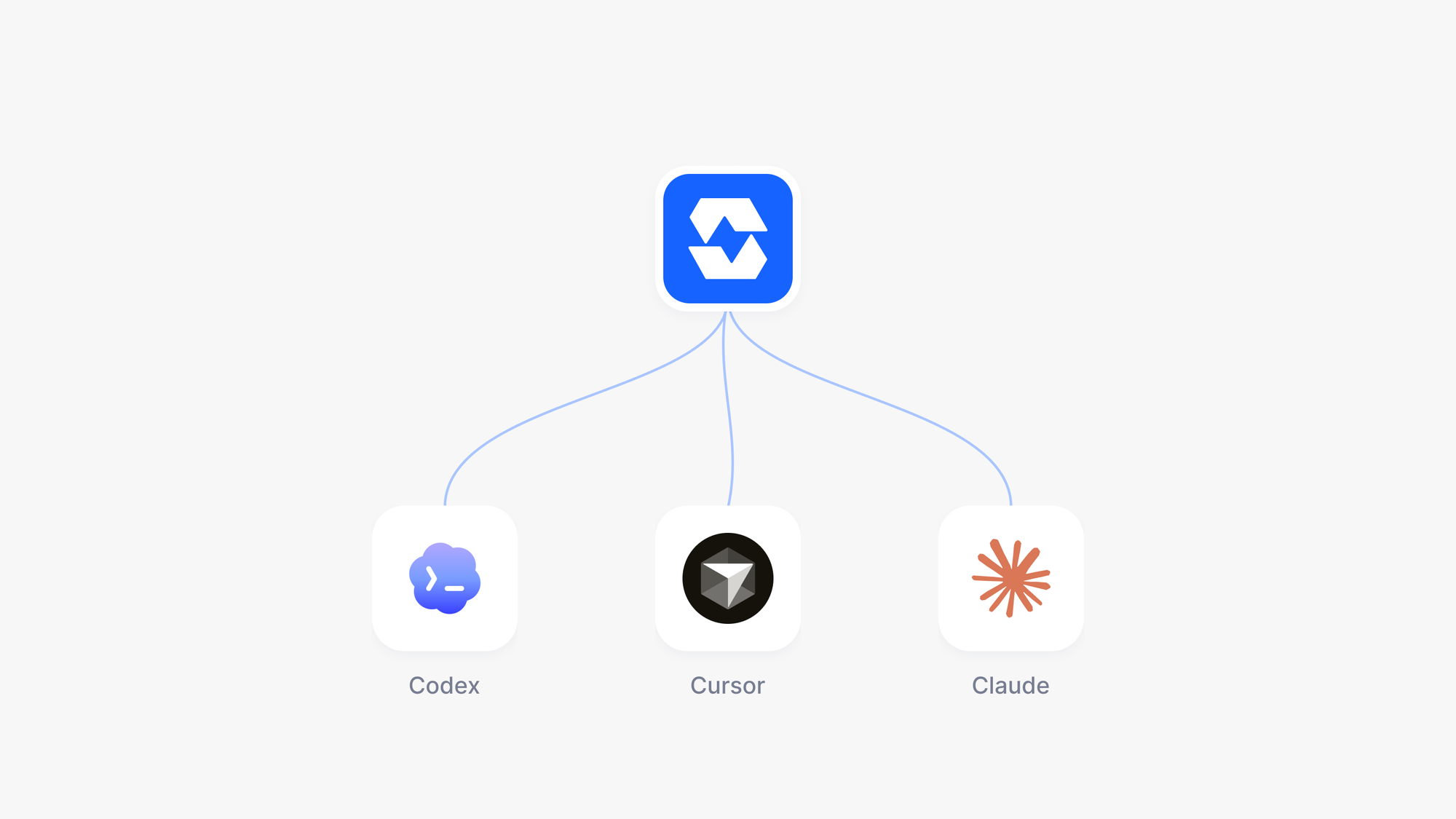
Connect ScrollShow to Claude Code, Codex, Cursor or Claude Desktop in one click, and research TikTok slideshows right inside the conversation you are already having.
Try it in ScrollShow or your agent
Use ScrollShow to find 10 slideshow accounts about personal finance
ScrollShow works inside your AI agent. Connect it once, and Claude Code, Codex, Cursor or Claude Desktop can find TikTok accounts, analyze them and study their slideshows for you, right in the conversation, alongside everything else you are building.
Connect in one click
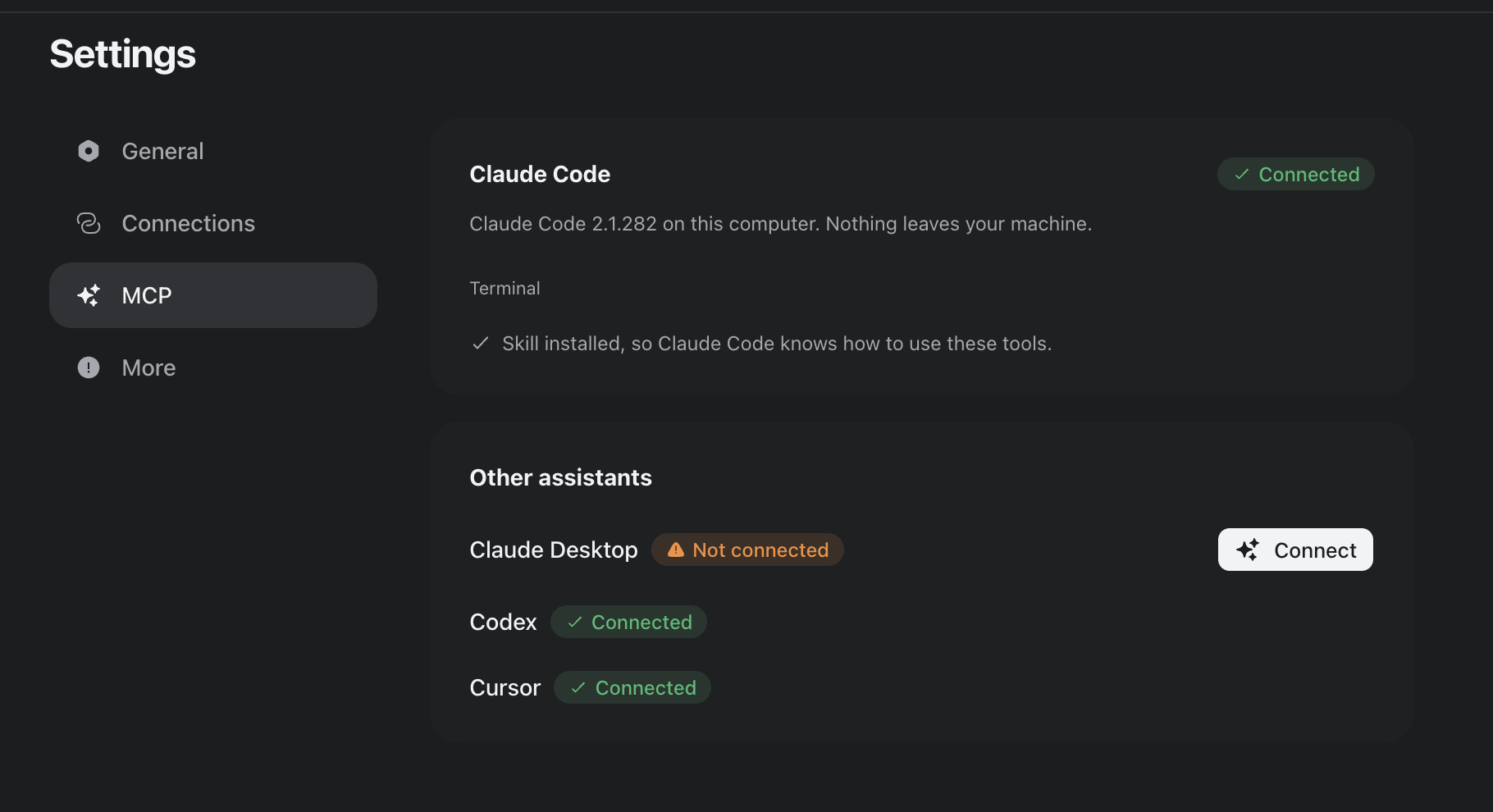
Open ScrollShow, go to Settings, then MCP. Every agent on your computer is listed there:
Claude Code: press Connect. The badge turns to Connected.
Claude Desktop, Codex and Cursor: press Connect on its row.
Then start a new session in your agent, or quit it and open it again, so it picks up ScrollShow. That is all. No config files, no keys to copy.
Do not have Claude Code yet? The card shows the one line that installs it.
Talk to it like you talk to your agent
In the first message of the session, tell your agent to use ScrollShow, then ask in plain words. Your agent calls ScrollShow, waits while it works and brings everything back into your conversation.
"Use ScrollShow to find 10 slideshow accounts about personal finance."
"Use ScrollShow to analyze @handle and tell me why its slideshows work."
"Use ScrollShow to download the best slideshows of those accounts and break down their hooks."
"Here is my app: [link]. Use ScrollShow to find who I should study, and give me 10 slideshow ideas."
Your agent sees the slides
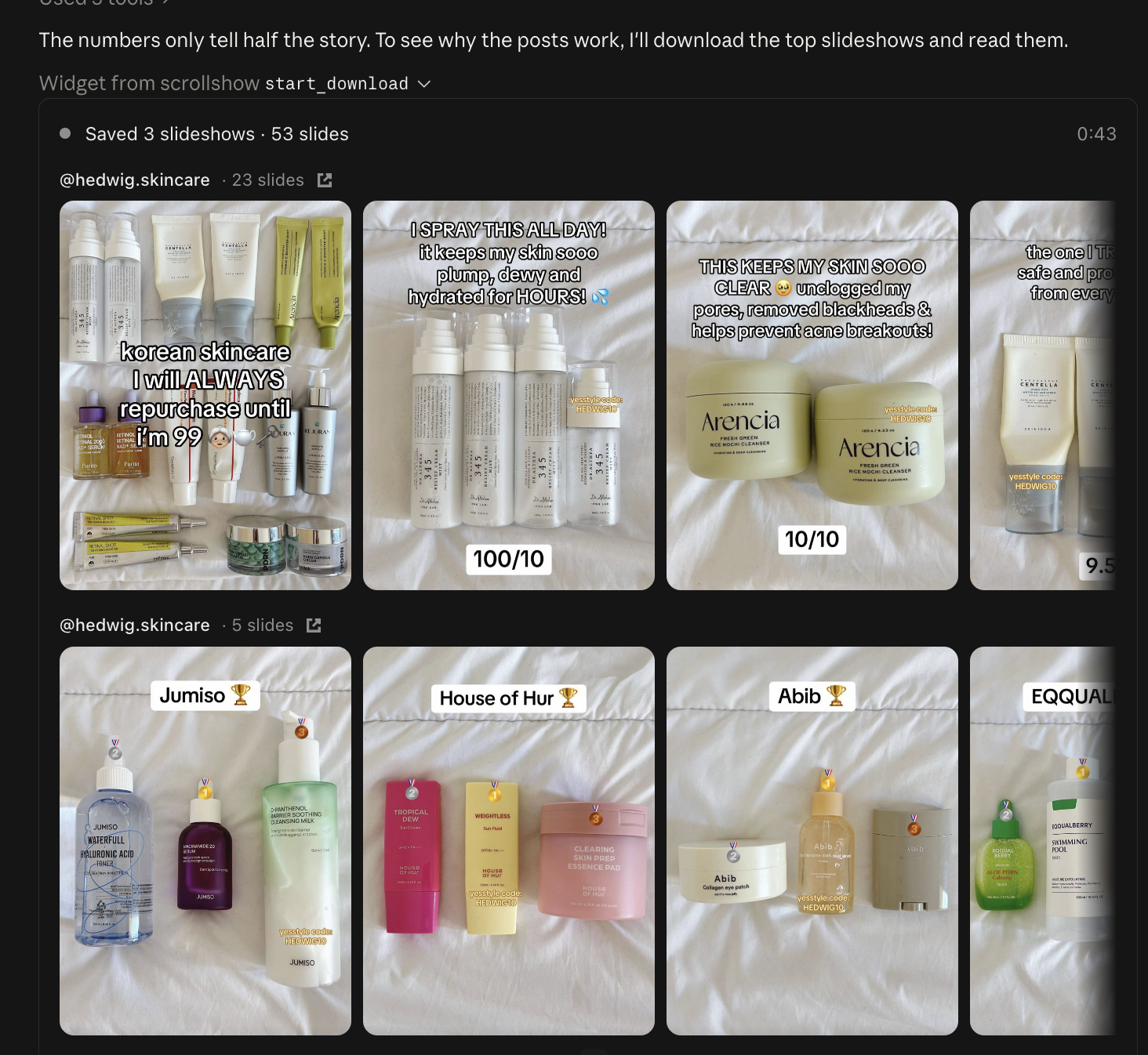
Your agent does not just get numbers. It sees the slideshows themselves, so it can tell you what the hook is, where the value lands, how the product comes in and where the call to action sits. Ask it anything you would ask a content strategist.
Watch it work in ScrollShow
Everything your agent does shows up in the app as it happens. Each agent gets its own chat in ScrollShow, so you can follow a search step by step, see the slides it downloads, or pause and stop a run from there.
You do not even need to keep ScrollShow open. When your agent needs it, it starts on its own.
Your agent, your whole workflow
This is where it gets interesting. Your agent already knows your project, your files and your tools. ScrollShow adds TikTok research to all of it:
"Use ScrollShow to study my three biggest competitors on TikTok, then write the findings into a doc in this project."
"Find the slideshow formats winning in my niche and draft a two-week posting plan."
"Analyze these accounts and turn their best hooks into copy for our landing page."
"Pull the most common questions from the comments of the best posts and add them to our FAQ."
The accounts your agent finds are saved in your ScrollShow Library, so you can open them in the app whenever you want.
Tips
Say "use ScrollShow" once per session. After that, just ask.
Give your agent the context. Your product, your audience, what you are trying to grow. It passes it all to ScrollShow.
Chain the steps in one message. Find, analyze, download and write it up: your agent handles the order.
New to ScrollShow? Start with Find the accounts winning in your niche.
Updated Sep 25, 2026
Questions?