 Find what works · 2 min
Find accounts
Ask in plain words, and ScrollShow finds the accounts going viral in your niche right now, with all their numbers, straight into your Library.
Ask for them
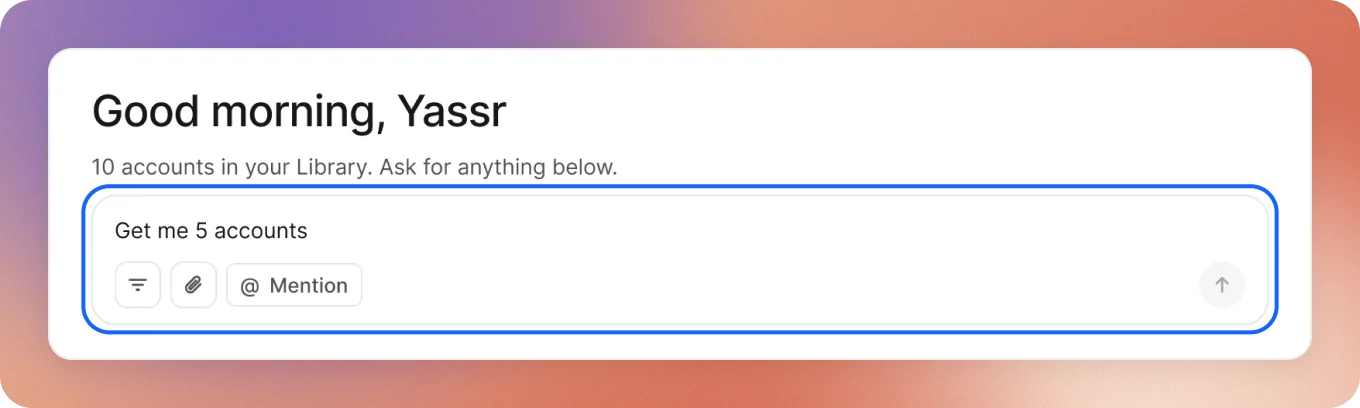
On Home, type what you want. ScrollShow already knows your niche, so you don’t need to name it.
You can ask your agent the same way, in Claude, ChatGPT, Codex or Cursor.
See what it looks for
Before it starts, the chat shows what it will look for: your niche, slideshows, how many accounts and the views they need. By default, 100K views or more in the last 30 days.
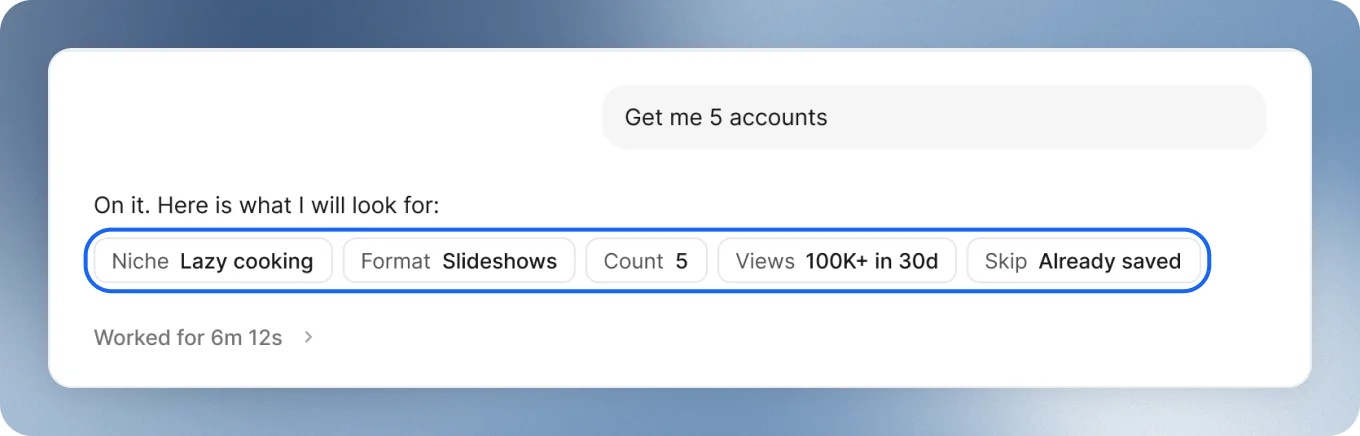
Want different numbers? You can change them before or while it runs. See Tune your search.
Let your Mac search
It searches TikTok on your Mac, measures every account it finds and keeps the ones that really post about your niche. It takes a few minutes, and you can keep asking in the meantime.
See what it found
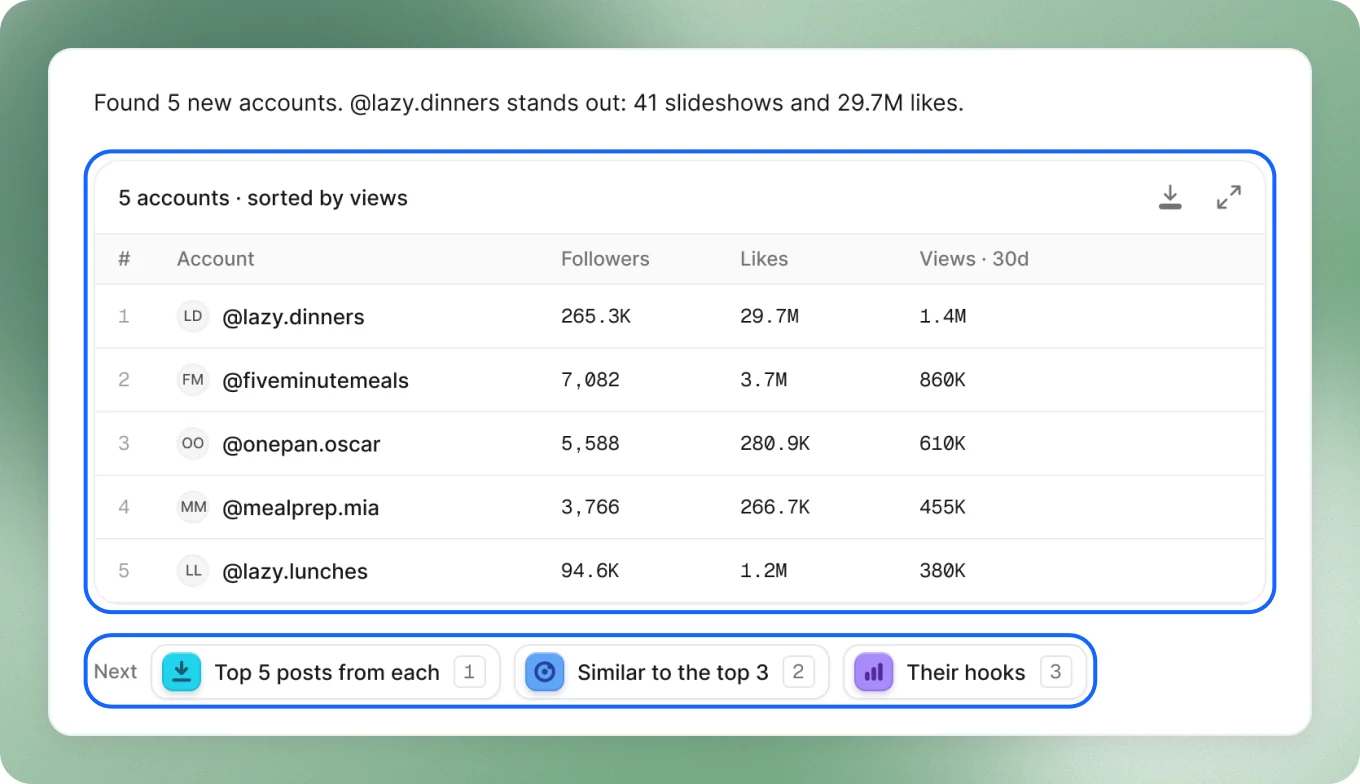
You get each account with its followers, likes and views. They’re all in your Library, with every number.
Then pick a next step right under them: Top 5 posts from each, Similar to the top 3 or Their hooks.
Good to keep in mind
- Found fewer than you asked for? Press Widen the search. It looks in a broader part of your niche.
- Some came close? Close matches shows accounts with your numbers that post next to your niche. Press Add all if they fit.
- Love one account? Ask for more like it: