 Study it · 2 min
Your Library
Everything you find lands in your Library: every account and every post, with all their numbers. Here’s everything you can do there.
Accounts
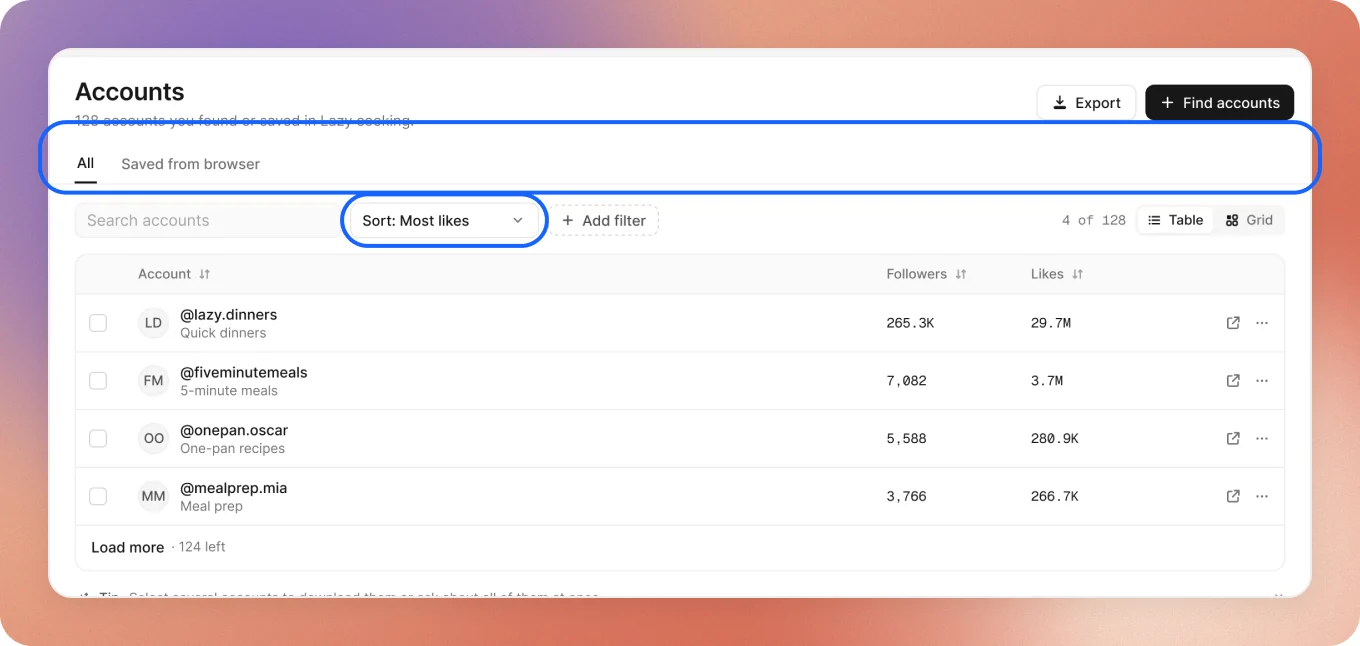
Every account your searches found or you saved:
- All is what searches found. Saved from browser is what you kept while scrolling TikTok on your Mac.
- Search by name or handle, Sort by likes, followers, views or newest, and add Filters: only those that posted lately, or above some views.
- Table for rows of numbers, Grid for their best covers.
- Open one to see its page, open it on TikTok, or take it out of your Library.
An account’s page
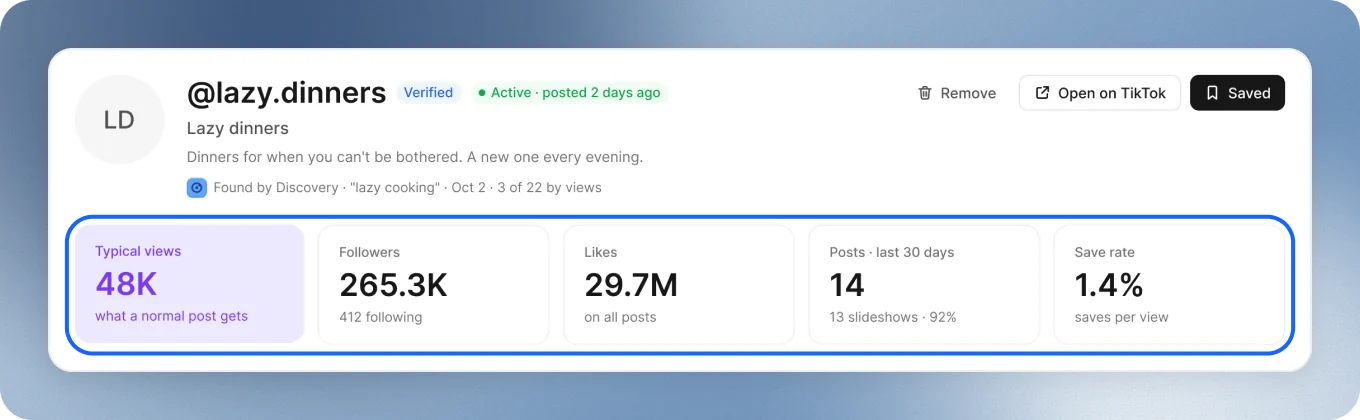
Click any account to see all of it on one page:
- Its numbers: typical views, followers, likes, posts in the last 30 days and save rate.
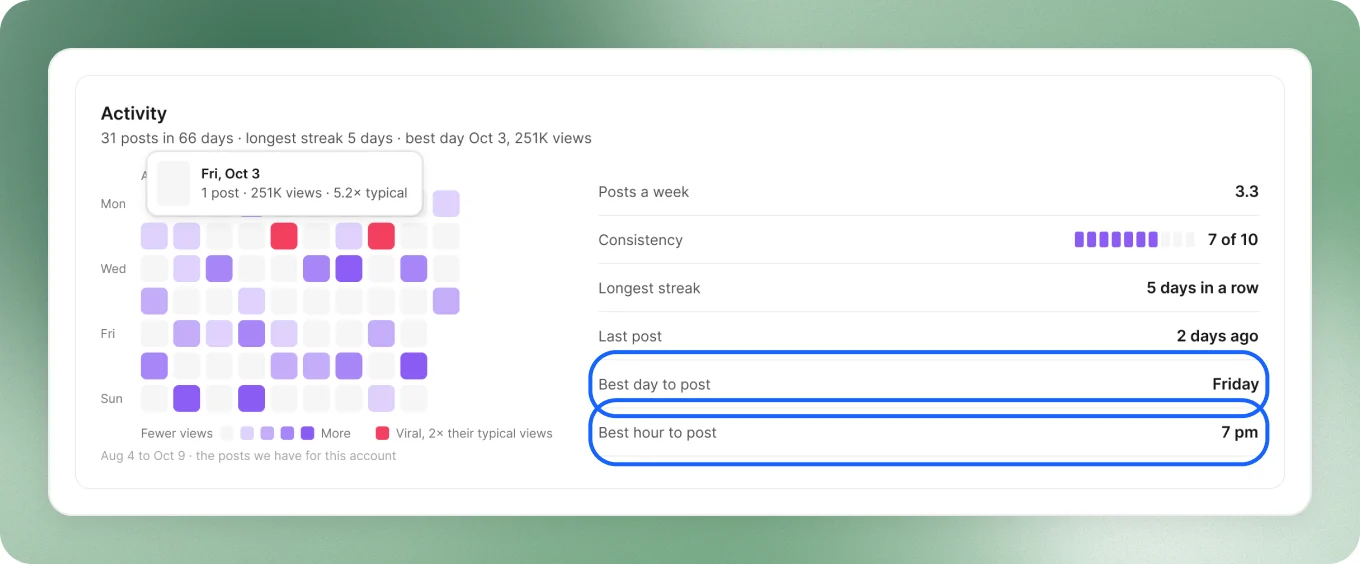
- Activity: every day shaded by its views, the viral ones marked, and its best day and hour to post.
- Details: views, engagement and what it posts, in depth.
- Its 10 best posts, each with the hook on its first slide. Download all keeps their slides.
Posts
- All, Downloaded or From saved accounts.
- Search captions, sort by Most viewed, Most liked or Newest, or keep only the Last 30 days.
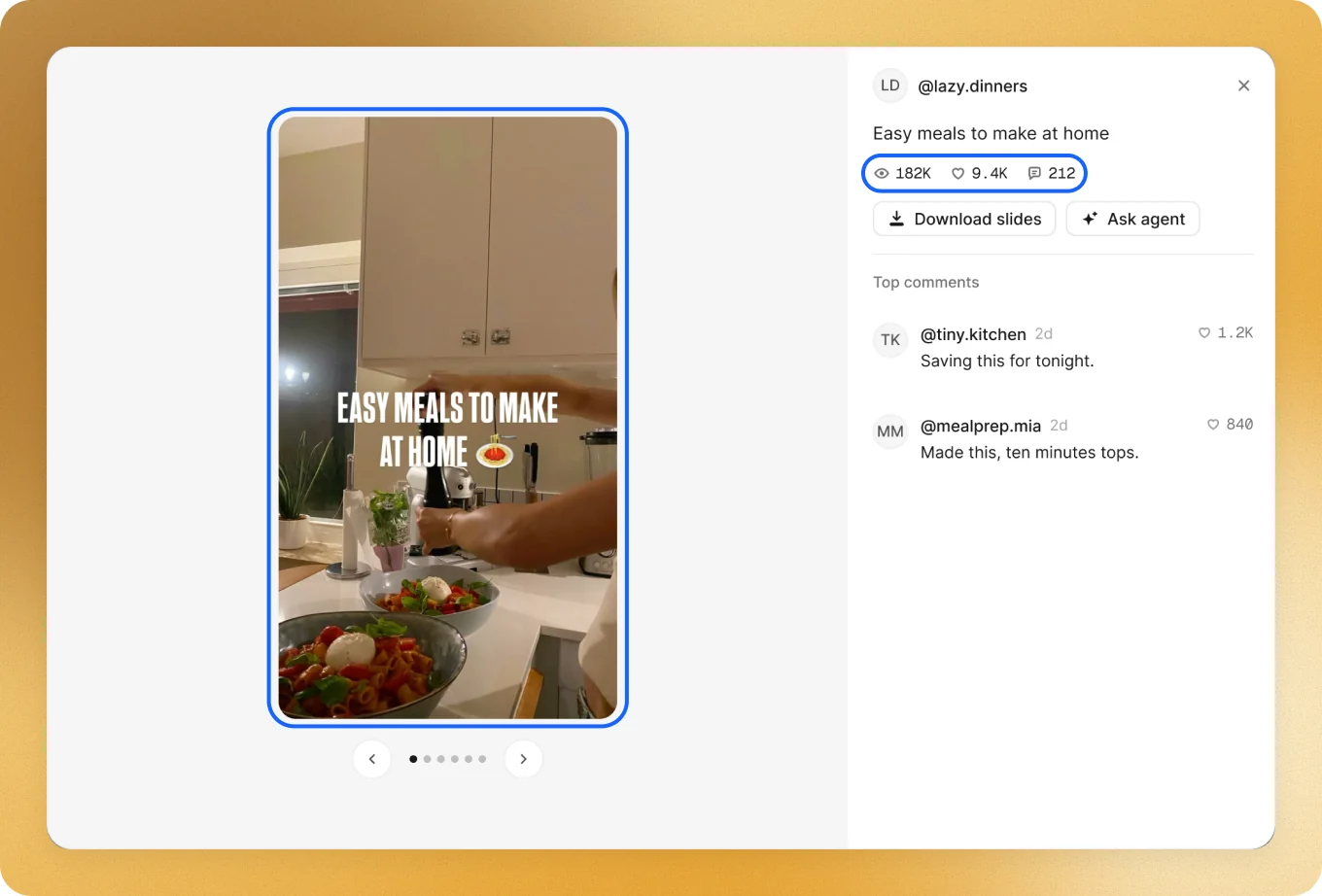
- Click one to read its slides, see its numbers and its top comments, or press Ask agent about it.
No posts yet? Press Download slideshows, or ask:
Collections
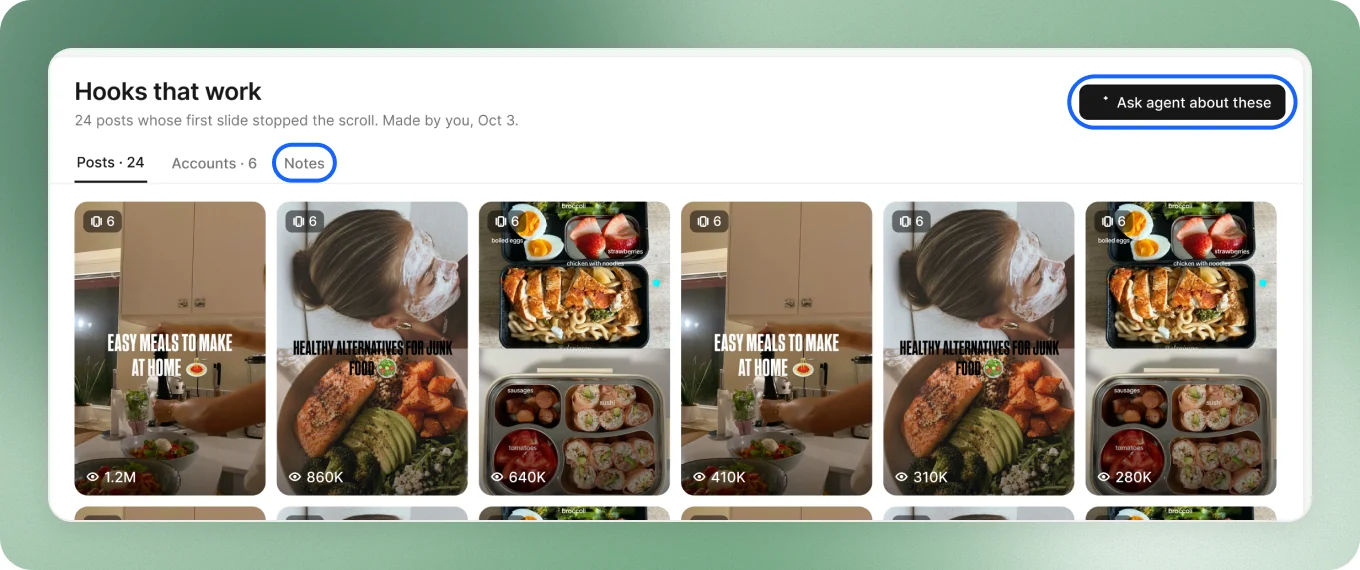
Groups for what you want to keep: hooks that work, competitors, formats. Press + to start one, or ask your agent to fill one.
- Each one holds posts, accounts and your notes. Notes save by themselves.
- Ask agent about these: ask about everything in it, or only what you picked.
- Export gives you every post’s slides in one zip, with a folder for each post. Move sends what you picked to another collection.
- Right-click one to rename or delete it. What’s inside stays in your Library.
Do it for many at once
Select several accounts or posts and act on all of them in one go: add them to a collection, download them, ask your agent about them or remove them. Export takes the list with you as a spreadsheet.
Save while you scroll
On any TikTok profile in the Mac app, press Save @handle at the bottom. It goes to your Library, under Saved from browser.
Good to keep in mind
- Each workspace has its own Library. Switch workspace to see another niche’s.
- Your agent reads your Library too. Ask it about what you saved: