 Set up ScrollShow · 1 min
Find your first viral accounts
The last step. One press, and ScrollShow brings back the accounts going viral in your niche right now, straight into your Library.
Ask for them
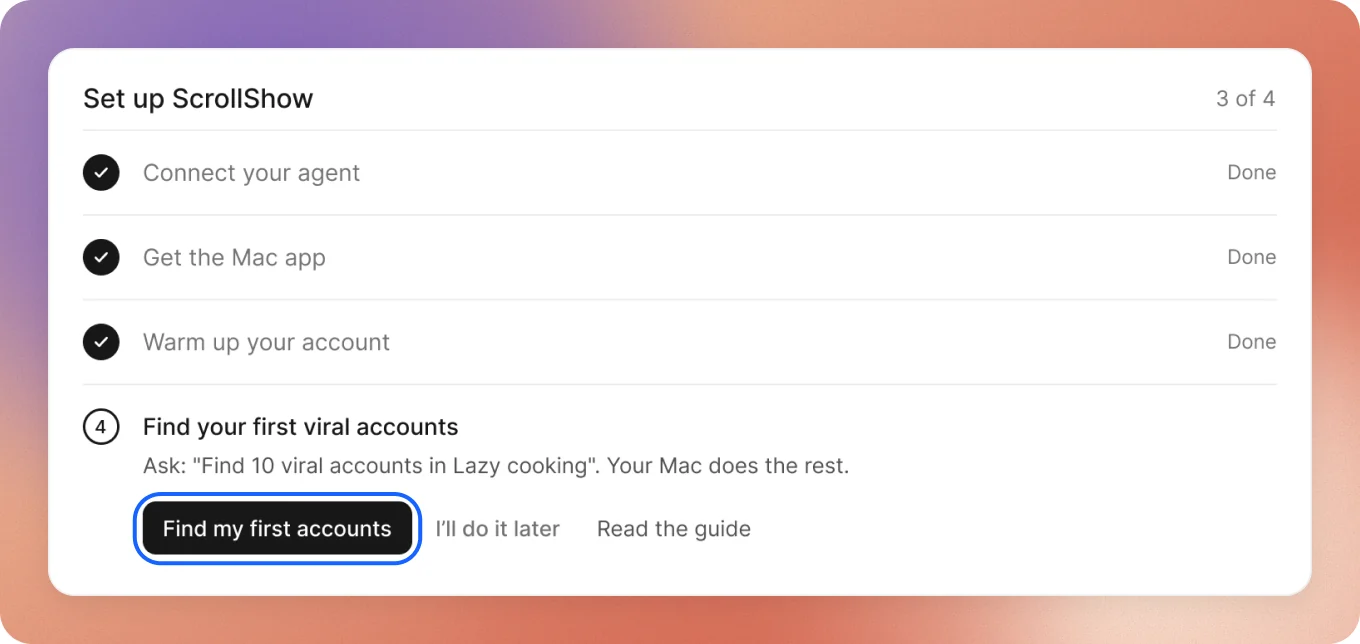
On Home, step 4 of Set up ScrollShow is open. Press Find my first accounts. A chat opens with the ask already sent.
Your Mac finds them
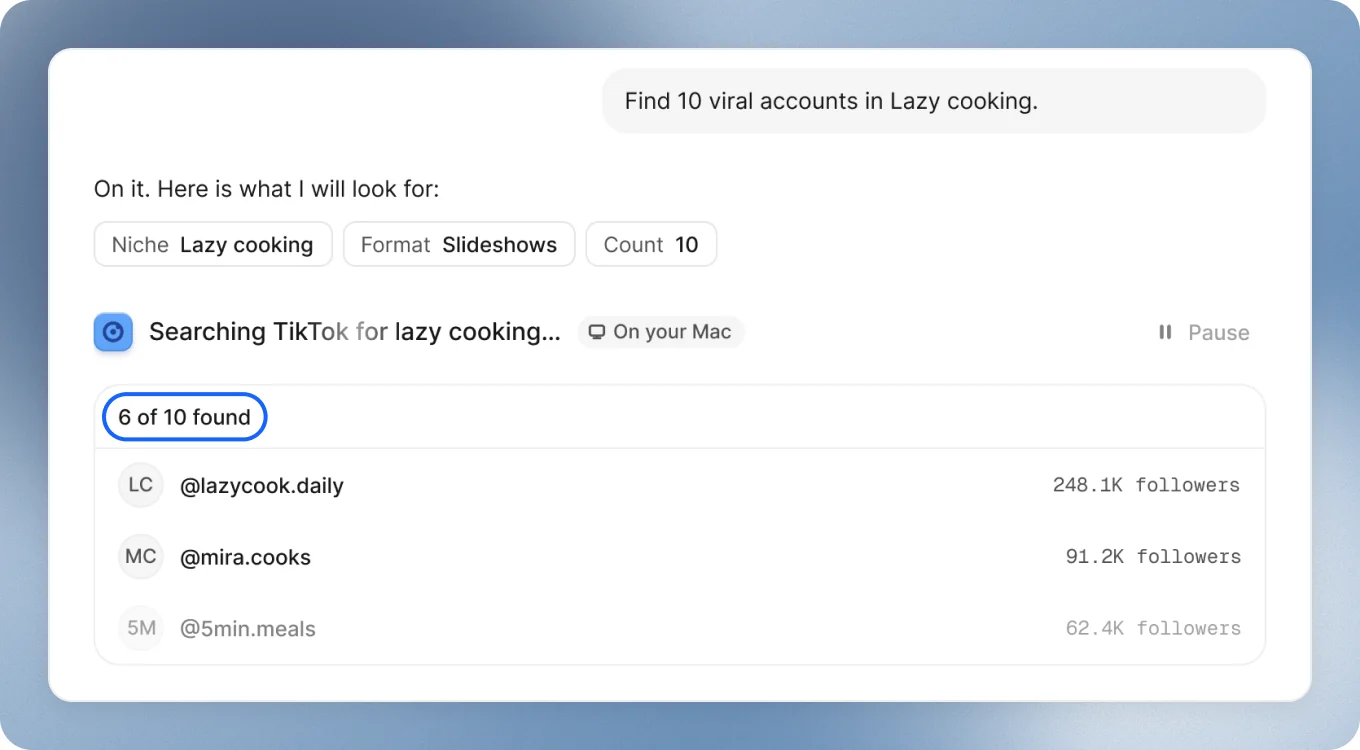
It runs on your Mac and takes a few minutes. The chat shows how many it has found so far. You can keep asking while it works.
They’re in your Library
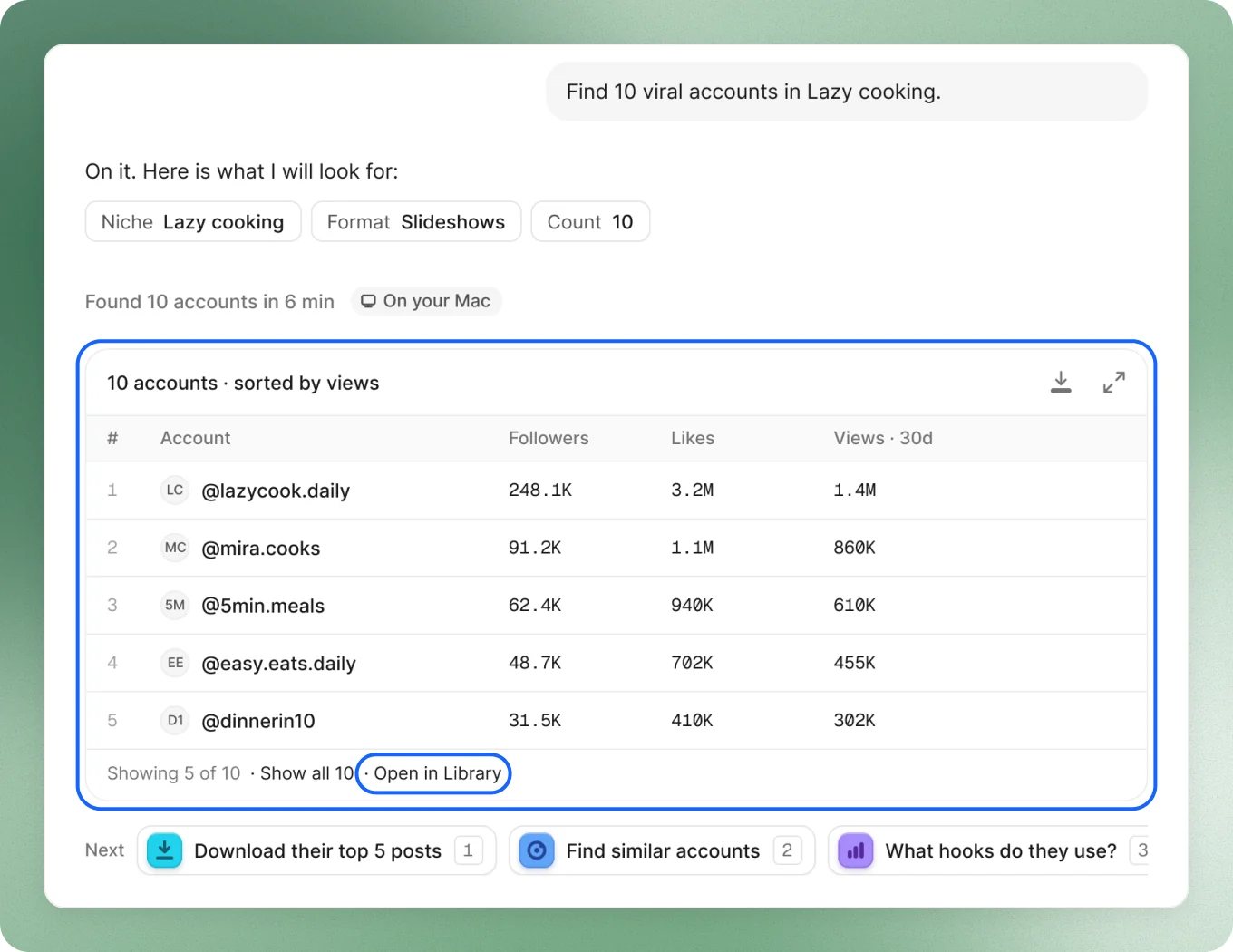
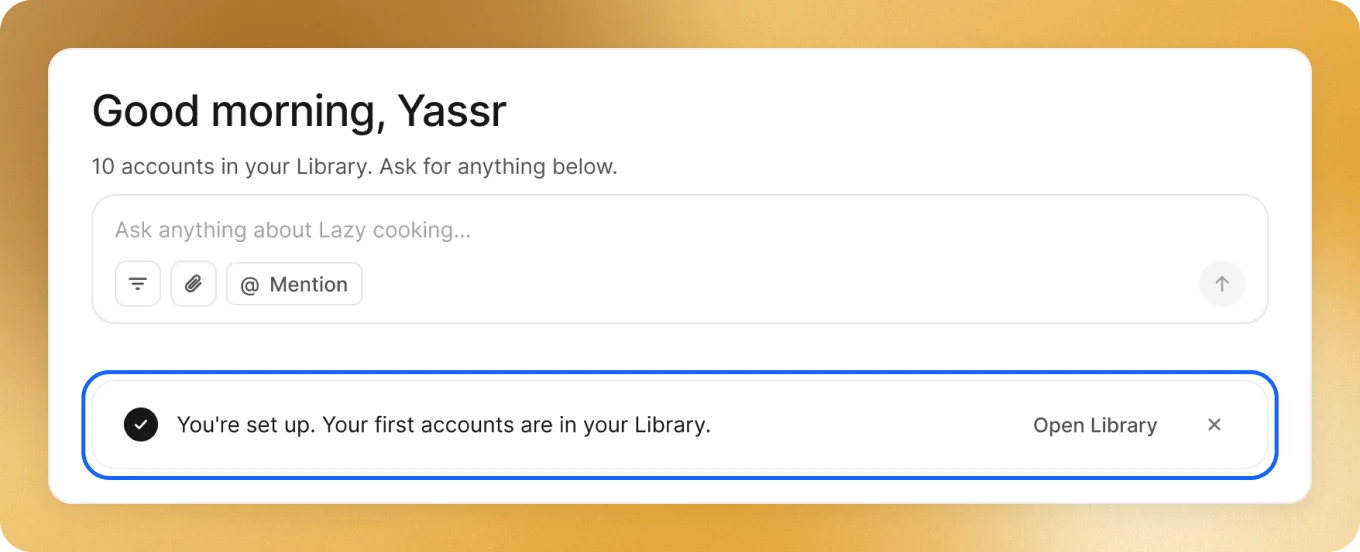
When it’s done, the chat shows the accounts with their followers, likes and views. They’re all in your Library, with every number. You’re set up.
Press Open in Library to see them all.
Good to keep in mind
- Want to ask it yourself? Type it on Home, in plain words:
- Taking a while? Few accounts may reach those numbers in your niche. Lower the filters while it runs.
- On Lifetime? Press Copy the prompt on step 4 and paste it in your agent. Your Mac does the TikTok part.