 Set up ScrollShow · 1 min
Get the Mac app
The Mac app is where ScrollShow does its TikTok work, in a browser of its own. Download it, open it, and it’s ready.
Download it
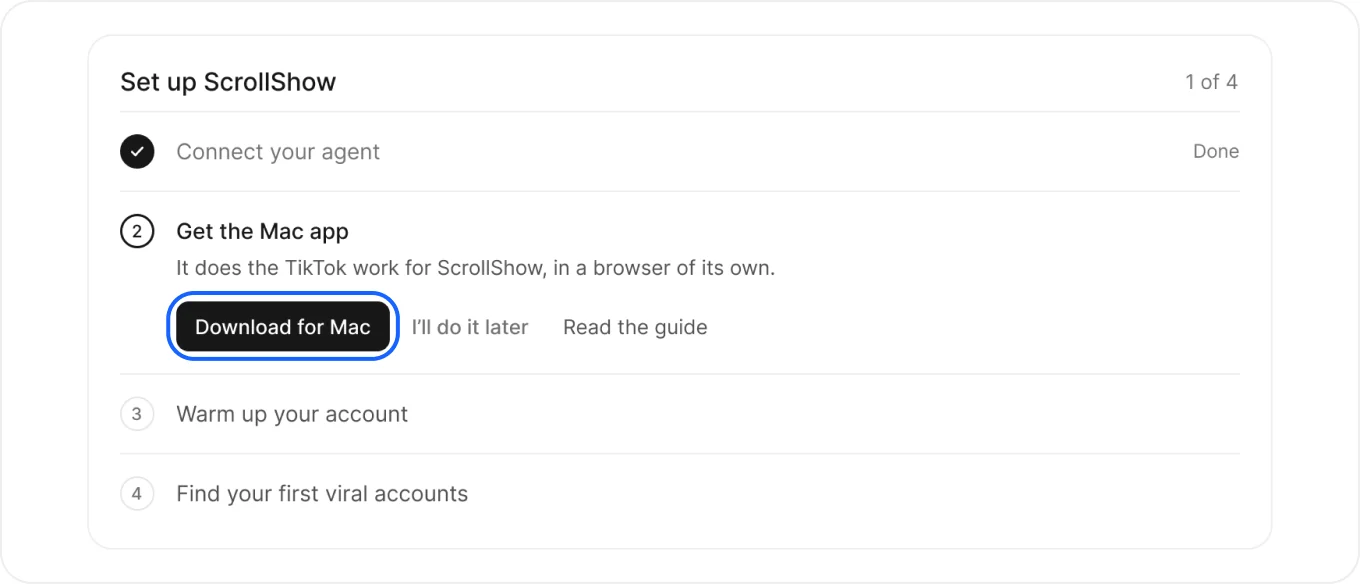
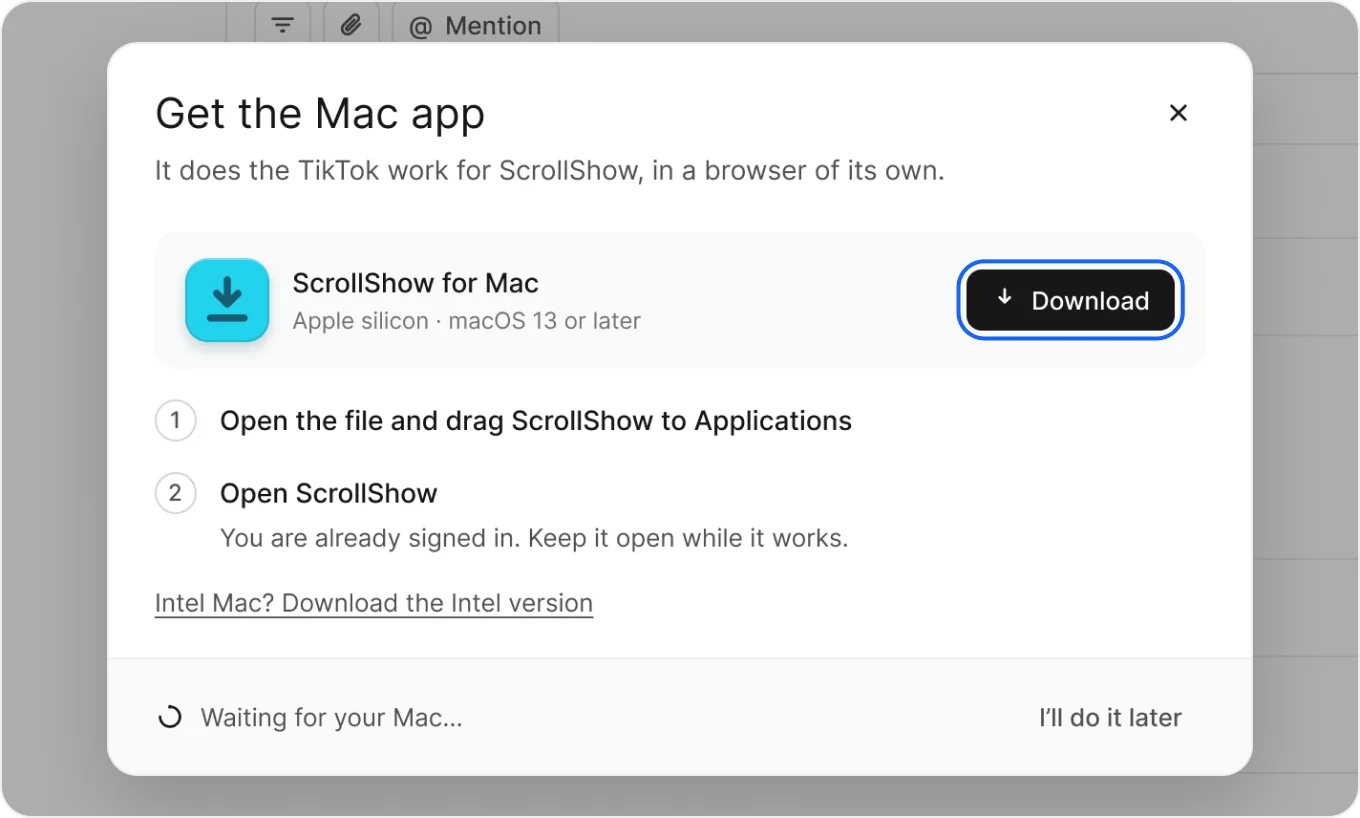
On Home, step 2 of Set up ScrollShow is open. Press Download for Mac, then Download in the window that opens.
Open it
- Open the file you downloaded and drag ScrollShow to Applications.
- Open ScrollShow from Applications and sign in with the same ScrollShow account you use here.
You’re connected
The window notices your Mac and shows Your Mac is connected. Step 2 is done.
Press Next: warm up to go on.
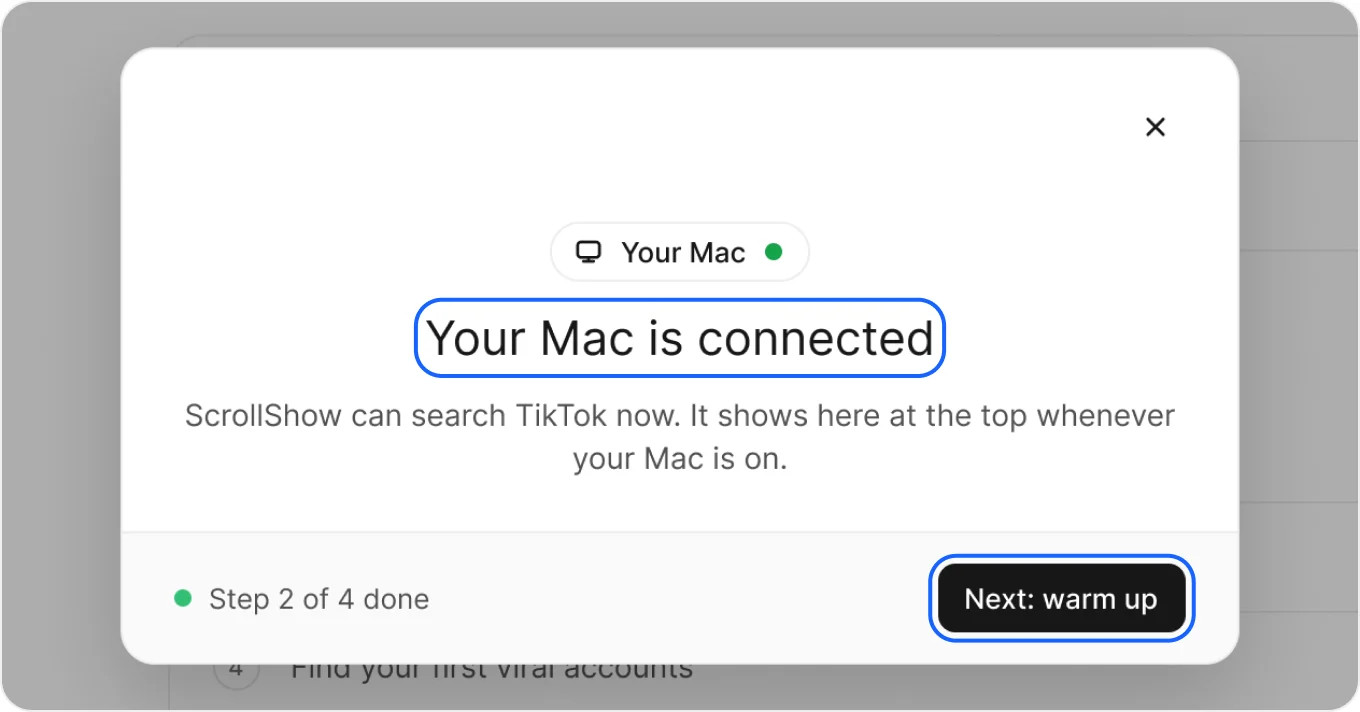
Keep ScrollShow open on your Mac while it works. Whenever it’s on, you see your Mac at the top of ScrollShow.
Good to keep in mind
- Mac asks if you want to open it? Press Open. It only asks the first time.
- Intel Mac? Press Download the Intel version, right under the steps.
- Top says Mac offline? Open ScrollShow on your Mac. Searches wait for it.
- On your phone? Press Email me the link on step 2 and open it on your Mac.