Log in to TikTok for research
ScrollShow searches TikTok from your Mac, with an account you log in to just for research. You do it once, and it takes a minute.
Log in
Open ScrollShow on your Mac and press Log in on TikTok at the top.
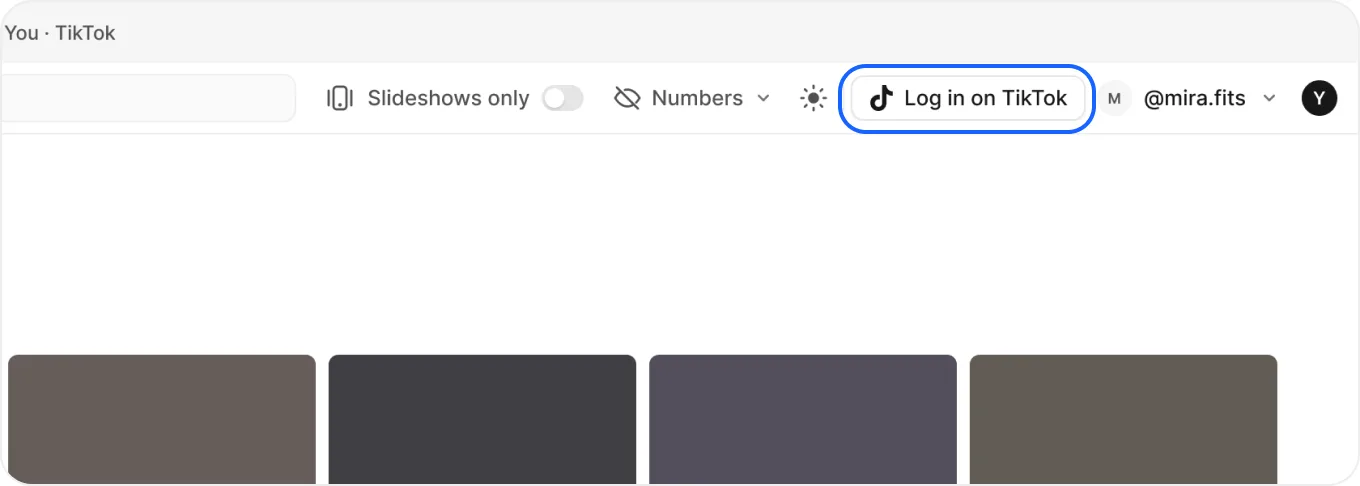
Sign up or log in
- A Chrome window opens on TikTok.
- Sign up or log in however you like: Google, email or phone.
You’re in
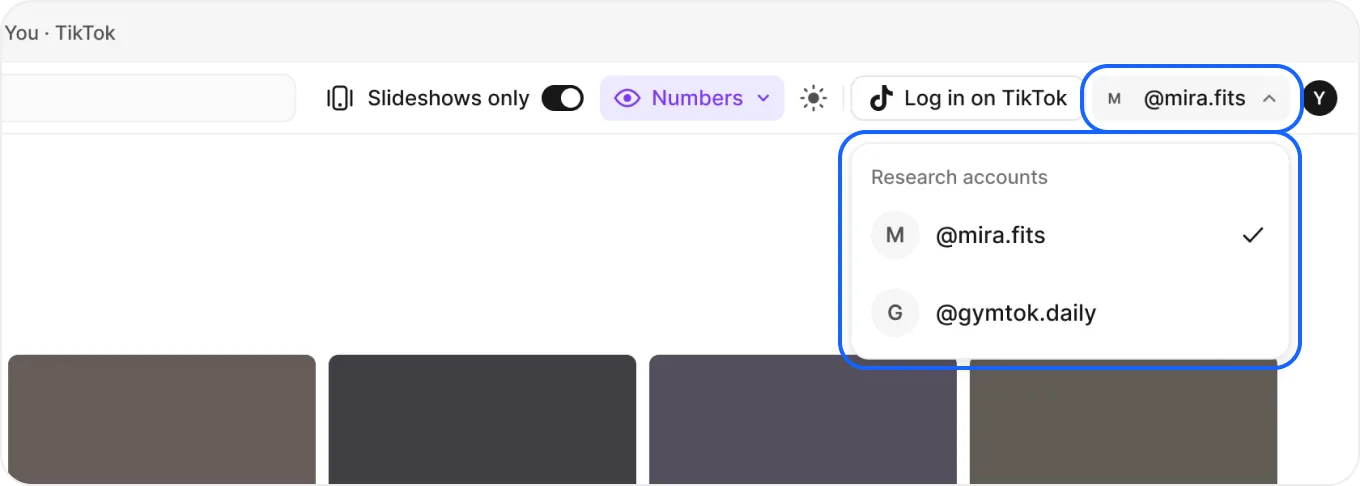
Your account shows at the top of the Mac app, and every search uses it from now on.
Press it to see your research accounts and pick the one to search with.
Use an account just for research. The more you scroll your niche with it, the richer your results.
Good to keep in mind
- Searched before logging in? The chat asks you to log in first and waits for you.
- Have more than one? Log in with each, then switch from the menu at the top.
- Settings › Connections shows the account your Mac searches with.